
Read the Fields in a Burnett County Tax Record
Burnett County's public-access real-estate system connects several views. Property, tax-record, tax-bill, statement, document, official, and zoning screens all link from it. Search by Tax ID, Alt./Legacy ID, segmented PIN, owner name, or site address. The owner and site address work too. What a given account displays varies, so treat the field table as a checklist of items to confirm rather than a promise that every parcel shows every item. Not every account carries each field.
| Field | What It Shows | Where |
|---|---|---|
| Assessed value | Land, improvement, and total fields when shown for the assessment year | Real-estate parcel result |
| Owner and mailing | Owner-name and correspondence fields; may differ from situs | Property tab |
| Tax bill and receipt | Amount, tax year, and recorded payment details | Treasurer route; historical Novus |
| Tax ID / PIN | Parcel identifiers used to connect annual records | Search and parcel detail |
| Exemption or class | Review the field if present; county-specific list was not located | Ask the property information office |
An assessment is a tax-roll value. It belongs to a specific assessment year. That figure is not a forecast of what the parcel would sell for, and a recorded sale price can differ from both the assessed amount and the number used to calculate a bill. Sale prices show up in transfer evidence instead. For broader valuation context on a parcel, see the separate Burnett County property value guide.
Follow a Burnett County Bill by Parcel and Tax Year
Start at the county tax-search landing page. From there you can reach current TTech/Ascent information and historical Novus bills. Search by site address or parcel identifier. Then make sure the tax year matches the bill you want to review. Because an older receipt may not reflect later charges or payments, the Treasurer should confirm any current balance before you rely on it.
- Open the county Property Tax Search page and choose its current or historical route.
- Search by site address, PIN, Tax ID, or the legacy identifier from an older bill.
- Open the bill or receipt for the correct tax year and save its parcel key.
- Compare owner, mailing, and assessment fields with the real-estate parcel result.
- Ask the Treasurer to confirm a current balance or delinquency before acting on it.
- Assessed value
- The roll value used in the local property-tax process.
- Tax bill
- The Treasurer's charge for a parcel and tax year.
- Receipt
- A payment record for a stated account and period.
- Tax deed
- A separate land-sale or transfer record, not an ordinary tax bill.
Ask Burnett County About the Assessment Review Calendar
Burnett County publishes no Board of Review calendar, appeal form, or exact deadline online. A generic Wisconsin date is not your deadline. Ask the Property Information Division or the appropriate local assessor which notice, filing window, and supporting material apply to that assessment year, and start that conversation early.
Appeal window. The county-specific calendar and form were not located in the research. Confirm the current deadline and filing office directly before preparing an assessment challenge.
The county application library does carry administrative-appeal forms. What it lacks is a Board of Review calendar. No parcel-specific deadline or evidence list appears online. Treat a Wisconsin-wide date as a hint, not a Burnett County filing instruction, because the current notice governs. Contact the Property Information Division or the assessor promptly, name the parcel and assessment year, and ask where the appeal must be delivered. Waiting past the window helps no one.
Separate Burnett County's Current and Historical Tax Screens
Burnett County posted a transition notice dated June 30, 2026. Parcel lookup is moving toward TTech/Ascent. Novus remains available for historical tax bills and receipts covering 2006 through 2026. The newer system handles current parcel information and address updates. Don't trust an old bookmark. The county landing page points to both paths. Use that link during the shift rather than assuming a saved URL still reaches the right dataset. The county's tax-search page shows where the current and historical routes begin:
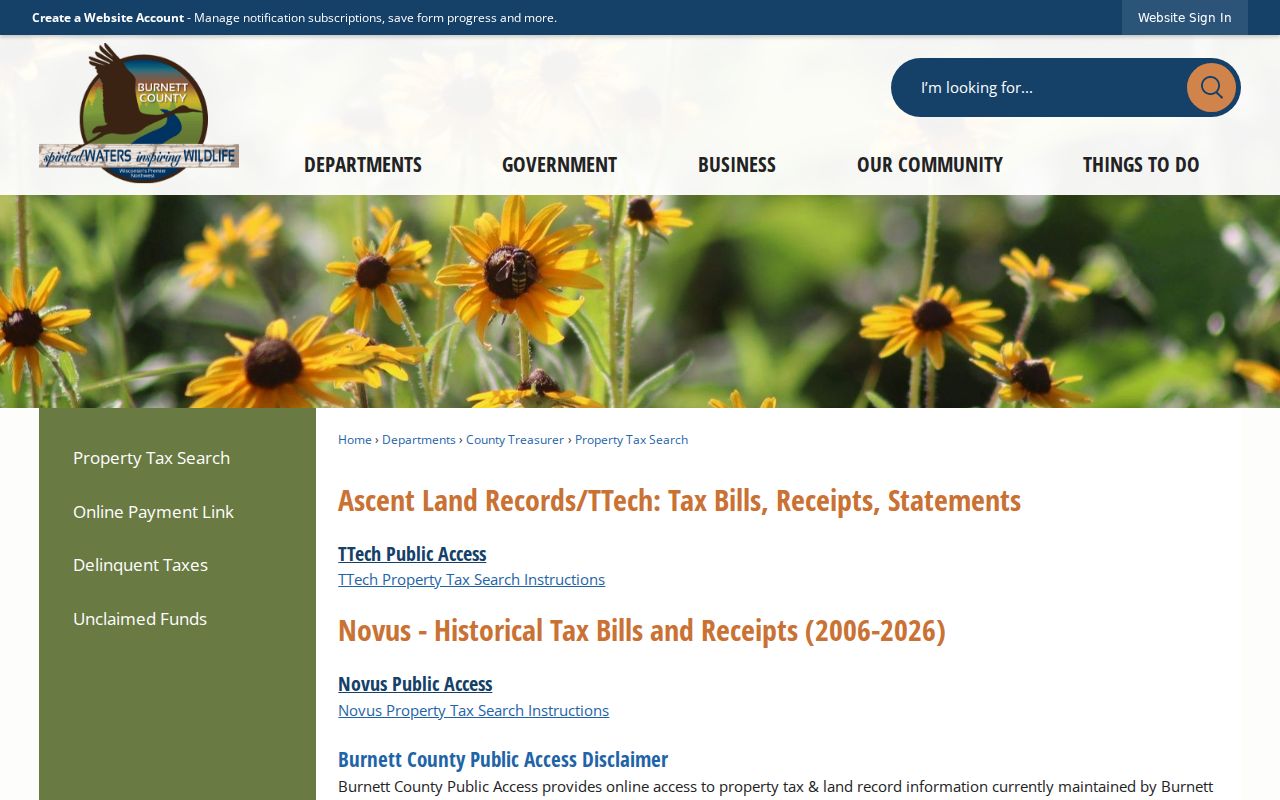
The new screen is available at TTech/Ascent:
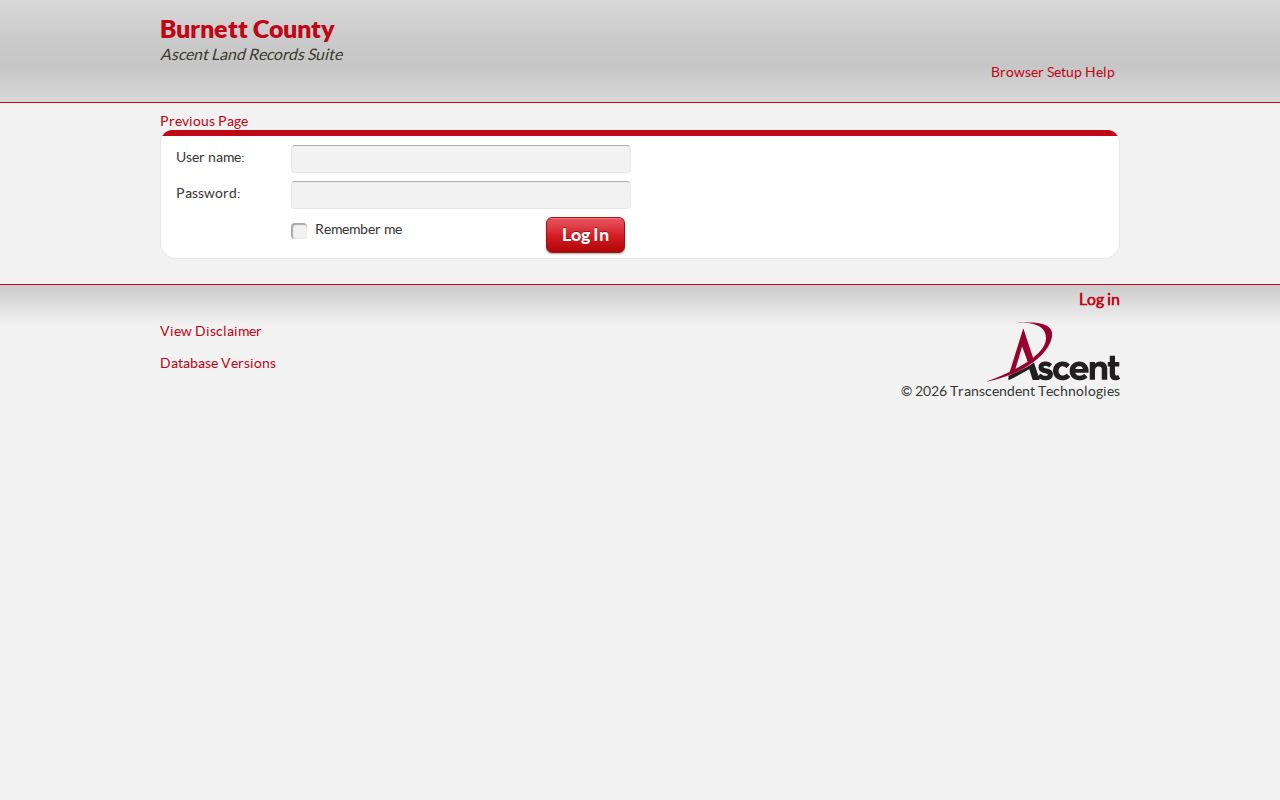
Keep the year, PIN, Tax ID, and legacy key together when comparing records across the transition.
For a historical bill, pick the year in Novus. Compare its account key with the current parcel record before assuming a transfer occurred. An old receipt proves one payment. It does not show today's balance. Later charges may have landed after it. If a saved URL stops opening the expected screen, restart from the county landing page so the year and system are clear.
Use Burnett County's Search Keys to Match Tax Years
The legacy public-access search exposes Tax ID, Alt./Legacy ID, segmented PIN, owner first name, owner last or organization name, site number, and road name. None of those fields is required. The county does not publish the meaning of each PIN segment, so keep the punctuation and leading zeroes. Copy the key exactly as shown.
| Search field | When it helps | Care point |
|---|---|---|
| Tax ID | Matching a tax bill or tax account | Keep the identifier with the tax year. |
| Alt./Legacy ID | Finding a parcel noted before the portal transition | Retain it beside the current PIN. |
| Owner name | Finding parcels tied to a person or organization | Trust and company names may vary. |
| Site number and road | Starting from a property address | Road spelling and rural address forms may differ. |
An address search sometimes returns several parcels. Use the PIN and situs address to isolate the right one. A mailing address serves correspondence only.
Owner-name searches help when you trace multiple accounts. An entity or trust, though, may be indexed differently from the name printed on an older bill. Search the organization and any known person separately, then compare the parcel key and tax year on each hit. Copy the PIN exactly as shown. The county has never published what each segment means. Keep the full PIN and Tax ID when asking the Treasurer to clarify an account.
Distinguish Burnett County Assessment From Sale Evidence
What a parcel is worth on the tax roll is not its market value. Burnett County parcel records display land value, improvement value, a total, and an assessment year. Some cards list more fields, and no card is an appraisal. Do not add a market value, exemption list, or sale field the record does not show. The system itself warns users. Its data may not be current, correct, or complete.
Recorded consideration, when stated, lives in the deed record. That number often differs from the assessment. It is still not an appraisal. Comparing parcels takes care. Match legal descriptions, land and improvement splits, assessment year, and tax district before drawing conclusions. Beacon can locate a parcel, but its map supplies no market valuation.
A surprising value line deserves a question. Save the parcel number, year, and source tab. Then ask the local assessor for roll detail. Distinguish the roll amount from the tax calculation and from a recorded sale price. Never infer an exemption from a bill total alone. Ask which assessment year and parcel record support a number before comparing it with another property. Keep screenshots or notices with the PIN and retrieval date so later explanations tie back to the same record.
Check Burnett County Delinquent Tax and Tax-Deed Material
The Treasurer keeps delinquent-tax and tax-deed sale material. Burnett County's sale page points visitors to parcel and GIS information. It also points to Wisconsin Surplus Auction. No current publication date, redemption timeline, or sale calendar appears. Confirm present status and terms with the Treasurer.
A tax-deed listing should be checked against the tax account and the recorded deed index. It should also be checked against any related court case. A tax sale is not an ordinary comparable sale and does not assure marketable title. A current bill may also differ from an older receipt if later account activity occurred.
Burnett County's tax-deed page is the county source for current sale material. Read the posted instructions. Ask about any parcel before relying on a sale entry.
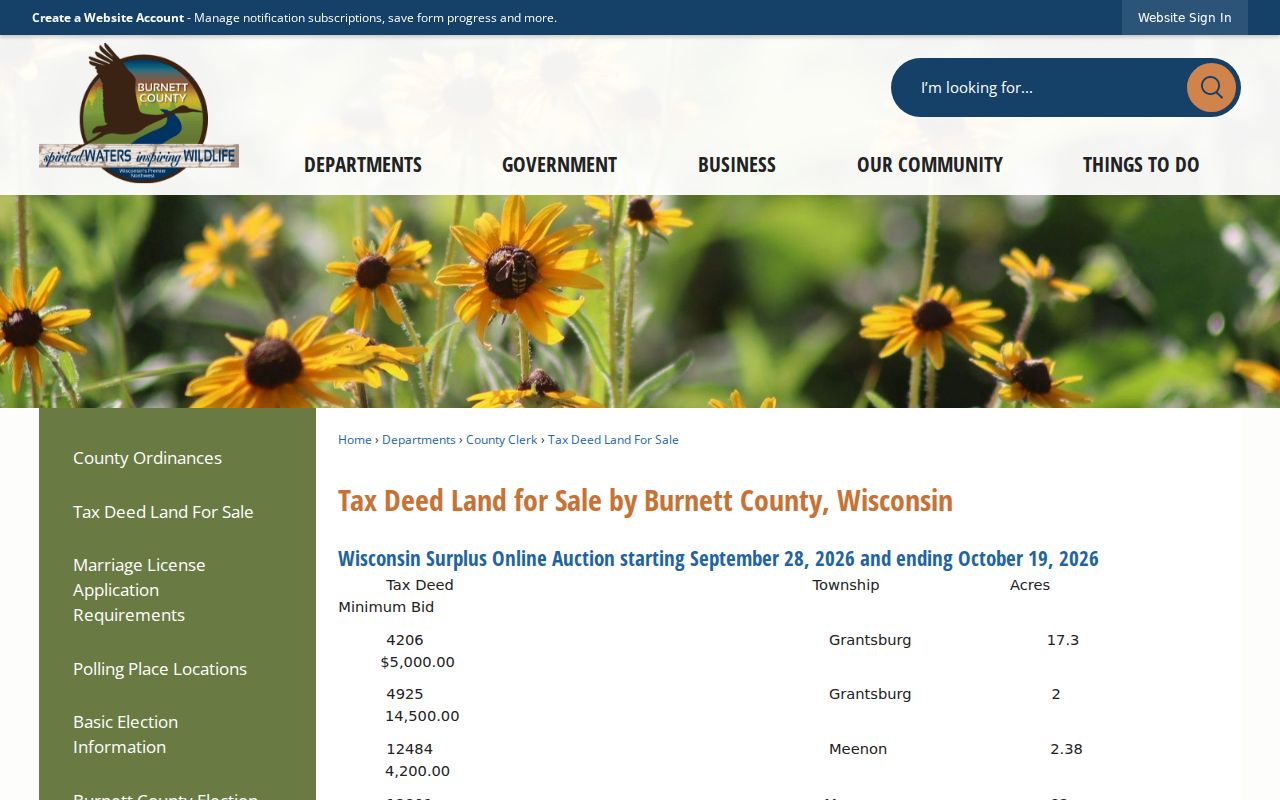
Start with the posted instructions. Check with the Treasurer on any parcel before relying on a sale entry.
If a tax-deed notice concerns a parcel you are researching, match the PIN to the tax account. Read the land description in the sale material. Search for any related lis pendens or circuit case. Then check the recorded instrument index for a later deed, release, or order. The county's online notice windows vary by record type. Older index entries may require the Register of Deeds counter. Confirm current delinquency and sale terms with the Treasurer. An older receipt cannot show later account activity.
Request a Burnett County Tax-Record Correction Carefully
A correction request starts with the field that looks wrong. Name the parcel key, situs address, owner or mailing line, assessment year, or tax payment at issue. Give the custodian the PIN or Tax ID. Add the document or bill date and the record view where the problem appears. The county publishes no appeal form or roll-refresh schedule. So ask the Property Information Division which office maintains the field and what evidence it accepts.
Wisconsin Public Records Law covers records not exposed online. Identify the record with reasonable specificity. Send the request to the office that holds it. The statute sets no single response time for all requests. Wisconsin DOJ describes the standard as a response as soon as practicable and without delay.
An assessment correction and a payment inquiry are separate tasks. Take roll questions to the assessor or Property Information Division. Take a bill, receipt, or balance question to the Treasurer.